Viewing Customer Order Details
• From the Orders Tab; search for and select the particular customer’s order.
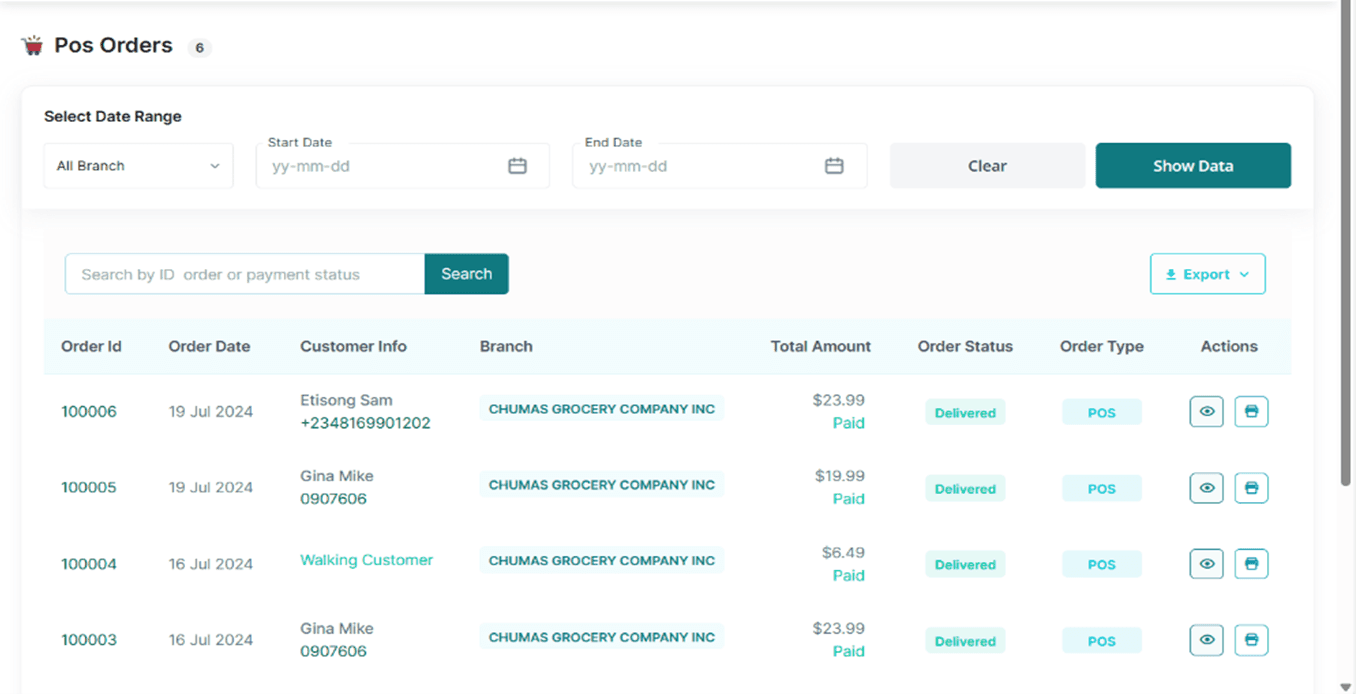
• Tap the customer’s order ID or the “eye” button in the actions section to access the order details
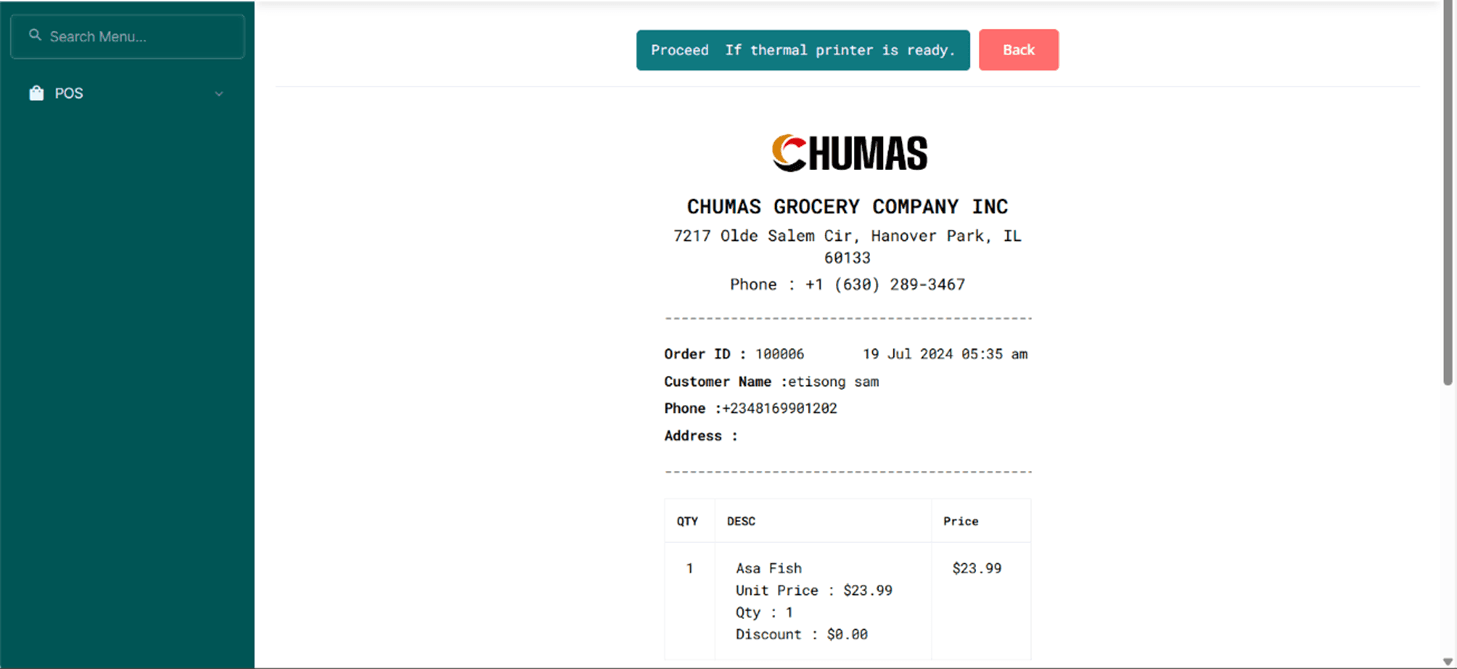
• To print out their Invoice, Tap the printer button in the actions section or tap the customer’s order ID and click the Print Invoice Button; Tap the Proceed if Thermal Printer is Ready Button to Print out the Invoice.