Contacting a Customer
• From the Orders Tab; search for and select the particular customer’s order.
• Tap the customer’s order ID to the order details page
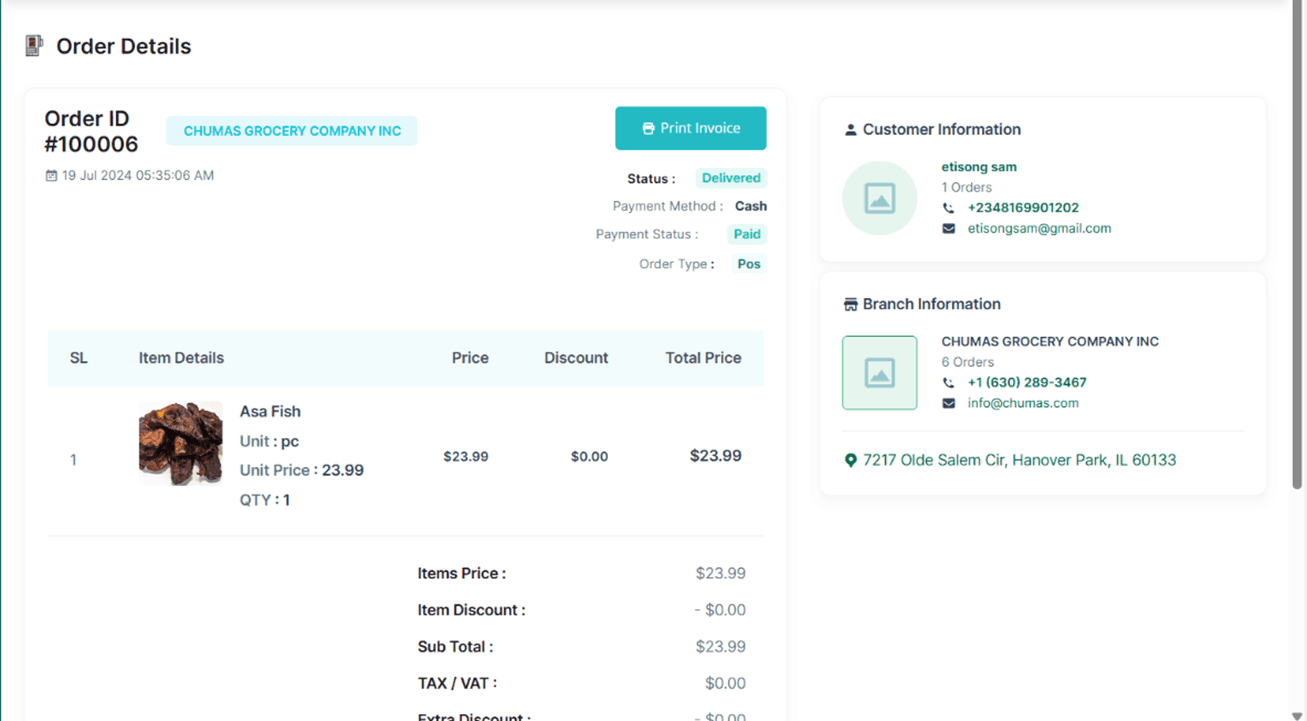
• At the Customer Information section, click on the phone number to call/text the customer or tap on the email address to send them an email.